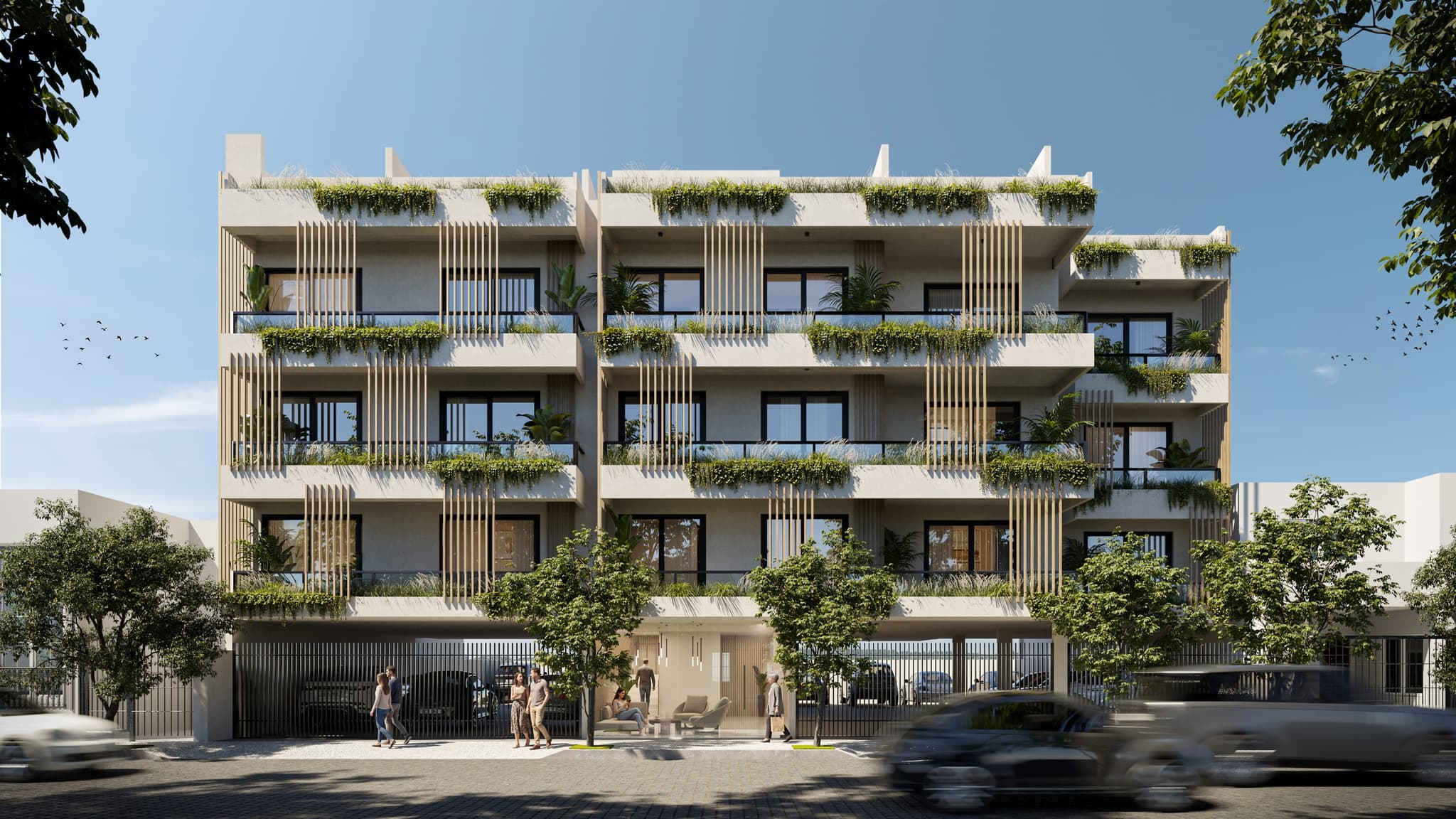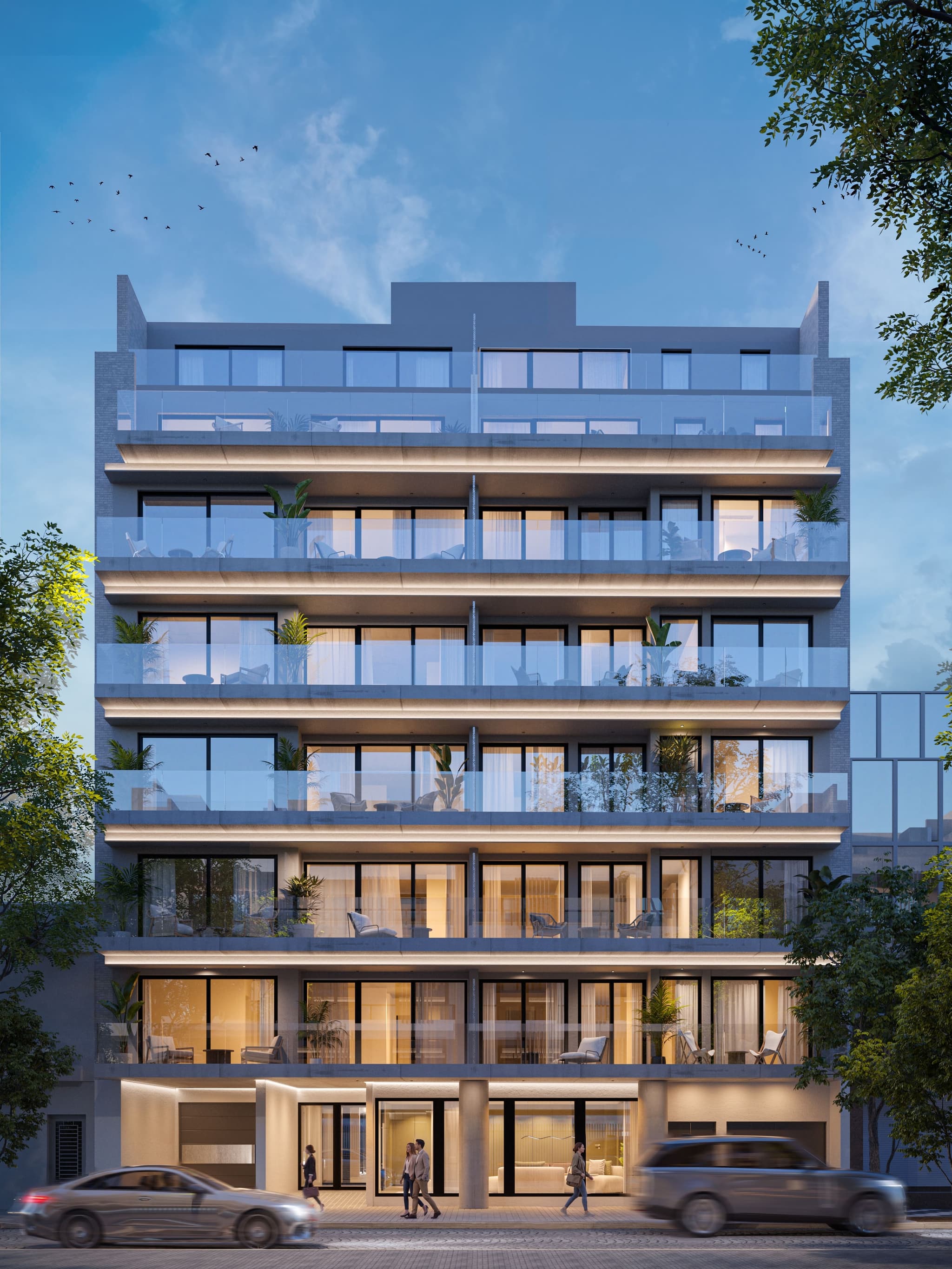
Comparison
Virtual showroom vs. render vs. 360° tour
They are not mutually exclusive: the virtual showroom integrates renders and 360° tours into a larger experience. But each piece solves a different sales problem, and it pays to know which one your project calls for.
| Render | 360° tour | Virtual showroom | |
|---|---|---|---|
| What it is | A fixed photorealistic image of the project | A navigable tour through fixed points | A 3D experience of the whole project with live sales data |
| What it solves | Showing how it will look: the first impression | Letting the buyer “stand” inside the unit | Letting the buyer explore, compare units and decide |
| Interactivity | None: you look at it | Medium: turn around and jump between rooms | High: free navigation + unit cards, prices and availability |
| Where it lives | Brochures, listing portals, social media, billboards | A link, or embedded in a website | The project’s own landing page, wired to campaigns |
| When it is enough | Always needed: it is the base for everything else | When the typical unit is the selling argument | When there are multiple units or layouts and off-plan sales |
When to use each one
Renders only
If the project is small or sales are already handled elsewhere, a good render package is enough — and it is the base everything else is built on.
Renders + 360° tour
If the selling argument is the unit itself (its layout, its finishes), the 360° tour adds the feeling of being inside that a still image can’t give.
Virtual showroom
With many units, several layouts and off-plan sales, the showroom concentrates all the material in a single link with live prices and availability: buyers compare and decide, and the sales team fields better questions.